The Plain-Text Email Playbook
A practical guide to deciding when a plain-style email belongs in your mix, writing one well, and testing it against a comparable designed control.
- Write the message using the framework in this lesson
- Evaluate the copy against one clear customer action
Why do plain-text emails work?
Plain-style emails can create a useful contrast with a heavily designed campaign. They work best when the message genuinely benefits from a direct, human voice, not when a brand merely removes its design and expects a result.
The format is a hypothesis to test. Compare it with a designed control that has the same audience, offer, and send window, then judge the outcome using the metric that matches the message job: clicks, replies, placed orders, or revenue per recipient in a matched sales-email split test.
Use plain style for a message that needs to feel direct: a founder note, a thoughtful review request, a final cart reminder, or a win-back. Keep the voice honest, the message focused, and the call to action clear. Whether it becomes a recurring format depends on a comparable test in your own program.
Do not treat plain text as a universal deliverability or conversion tactic. It is one creative format in a deliberate calendar.
Designed vs plain-text: which should you send?
Use both formats when they fit the job. A designed email can make product, merchandising, or editorial hierarchy easier to understand. A plain-style email can make an update, question, or personal point feel more direct. Match the format to the job of the send, then validate the choice with a controlled comparison.
Both belong in your mix. They do different jobs.
Here is how to tell which send calls for which.
- Product launches and hero moments
- Visual offers where the image sells
- Editorial and lookbook content
- Useful when visual hierarchy carries the message
- Founder notes and personal updates
- Review requests and value sends
- Re-engagement and last-touch moments
- Useful when a direct voice carries the message
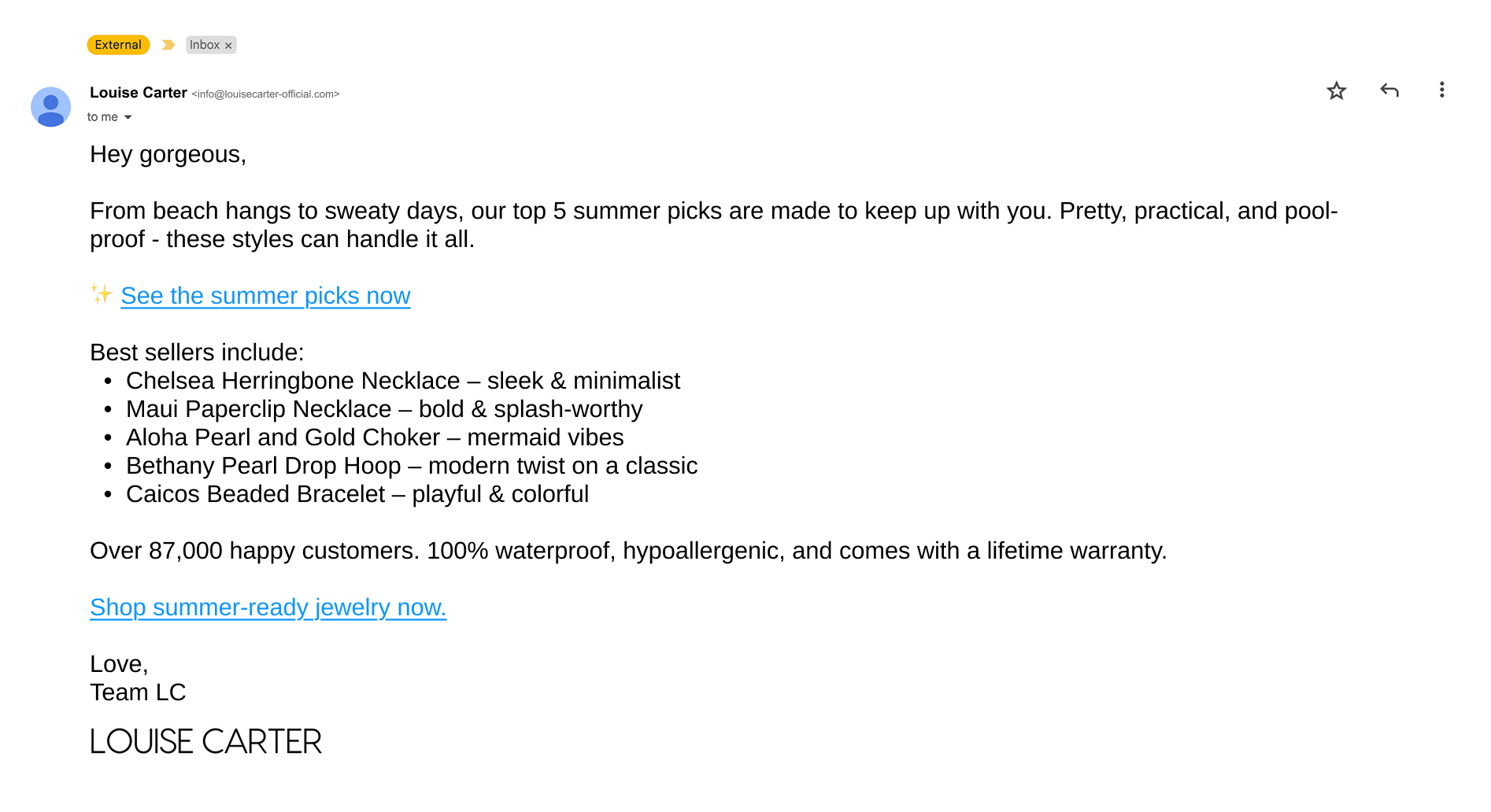
When should you use plain-text emails?
Use plain text where the sender's voice or a straightforward ask is the actual value of the send. The following are candidates to test, not universal winners:
- Founder emails. A direct note in the founder's genuine voice can carry an update or point of view without competing creative.
- Review requests post-purchase. A human-sounding request can complement the delivery-aware approach in the review request flow.
- Abandoned cart last touch. After the core reminders in an abandoned cart recovery flow, test a concise personal nudge against a designed control.
- Mid-sequence in the welcome flow. A direct message can add variety to a welcome flow when it gives the subscriber a new reason to care.
- Sale start and sale end. Test a concise announcement when speed and clarity matter more than a product-heavy layout.
- Win-back. A winback flow may benefit from a plainer format if the previous creative has gone stale for that cohort.
Founder-led copy should sound like the founder, not a marketing team impersonating one. Preserve that voice, then compare the message with a comparable designed version before making it a standard.
How do you write a plain-text email?
In Klaviyo, choose the simplest format that preserves the intended sender voice and links. ZHS's writing standard is a focused idea, a natural opening, a scannable body, and a single primary action. It is a starting structure for testing, not a platform benchmark.
How do you write a plain-text email
- 01SubjectWrite it like a personal email
Use a clear, natural subject line that matches the message. Avoid manufacturing intimacy or urgency.
- 02HookOpen with a real first line
Talk straight to the reader and state why the message matters before asking for attention.
- 03BodyMake a focused point
Keep the body scannable. Do not stack unrelated offers or reasons into a message with one job.
- 04CloseMake the next step clear
Use a single primary link or reply prompt, then sign off in the sender voice.
Structured from the canonical article steps for responsive reading and presenter mode.
How much plain text should you send?
There is no credible universal percentage for plain-text volume. Start with a deliberate test tranche inside a defined message type, compare it with a designed control, and expand only when the format improves the metric that matters for that cohort. Re-check the mix when the audience, offer, or calendar changes.
| Send type | Format |
|---|---|
| Product launch, hero offer | Designed |
| Founder note, value send | Plain text |
| Review request, win-back | Plain text |
| Editorial, lookbook | Designed |
| Sale start, sale end | Mix both |
The goal is not a fixed format ratio. It is a calendar where every format has a clear job and a measured reason to be there.
What are the most common plain-text email mistakes?
Common mistakes include making the message feel artificially personal, stacking unrelated offers, using the format by default, and skipping basic measurement. Each one makes it harder to learn whether the format itself helped.
- Making it look artificially personal. A fake reply chain or mismatched sender voice damages trust. Make the sender and intent clear.
- Writing in generic brand voice. A founder note should be grounded in the founder's actual point of view.
- Cramming multiple offers. Give the message a single primary job and action.
- Using it by default. Use the format when it earns a spot in the message plan, not because it is easier to produce.
- Skipping measurement. Compare against a relevant control before you call the format a winner.
Get Expert Help
Our team builds the plain-text and designed mix that fits your calendar, then writes founder notes that preserve the sender's actual voice and are measured against the right control.
More patterns to study
Curated creative references for this lesson. Study the mechanism, then adapt it to your own audience, offer, and evidence.
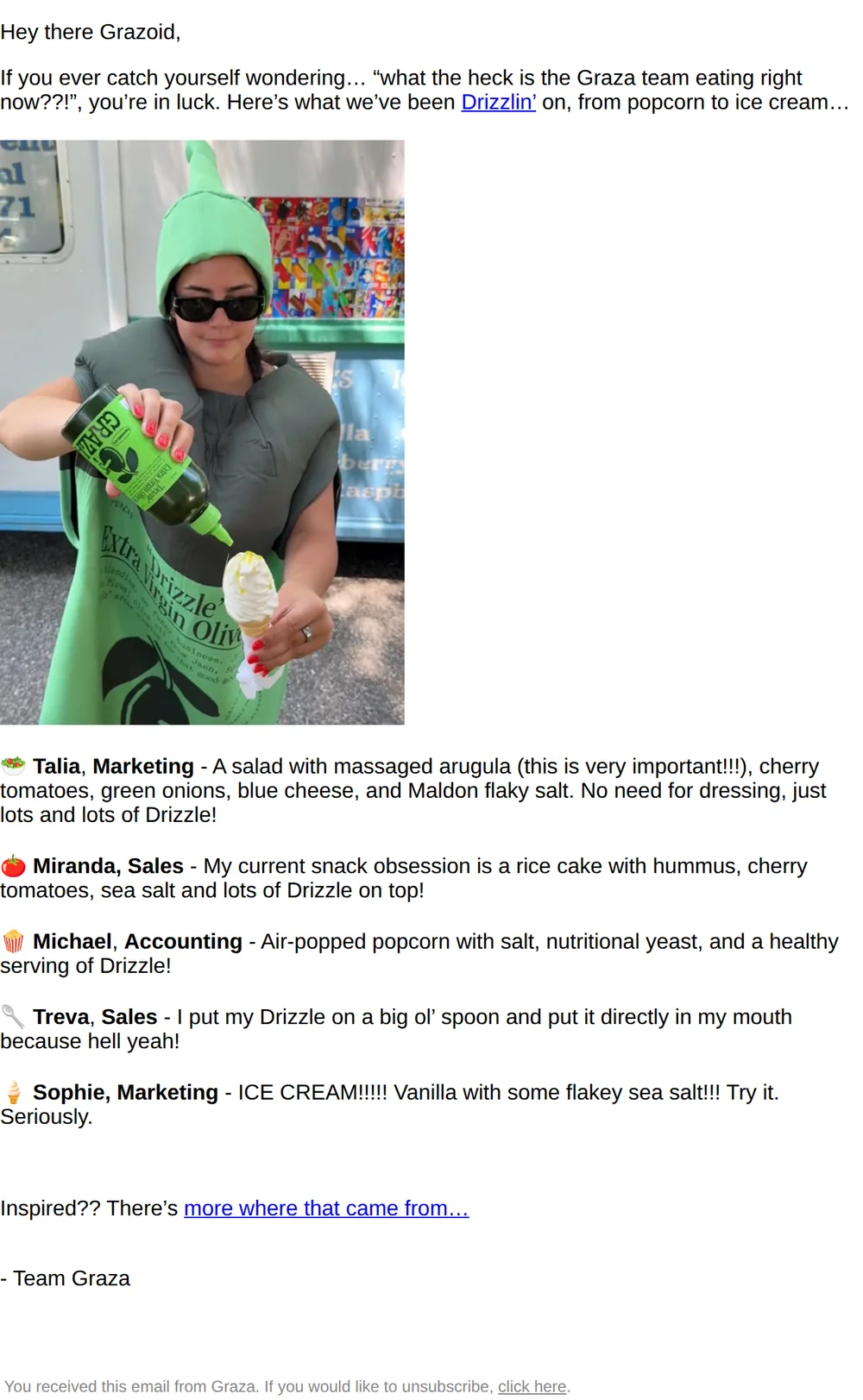
What we’re Drizzlin’ on 🫒
Pattern: Team shares wild ways they use Drizzle.
Use it here: A lo-fi team note can make product use feel personal when it sounds like the actual sender and gives the reader one useful idea.
Open reference in new tab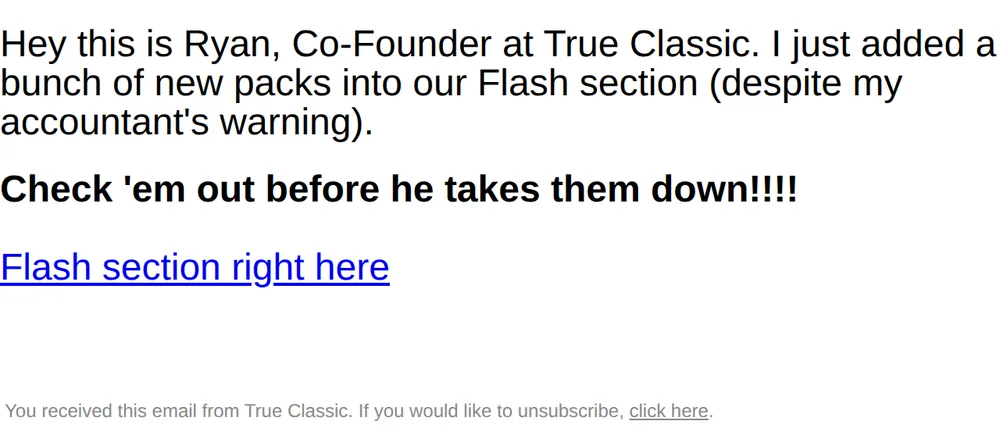
Please don’t tell my finance team
Pattern: Founder added deals despite accountant's warning.
Use it here: Plain text can carry an offer cleanly, but the sender persona, incentive, and deadline must all be honest and testable.
Open reference in new tabCreative and design curation only. These are role references, not reported revenue, conversion, or a promise that the exact tactic will transfer unchanged.
Need help implementing this?
We build and manage complete email & SMS programs for DTC brands. Get a custom plan for your brand.
Get Your Free Audit + Gameplan